Configuration
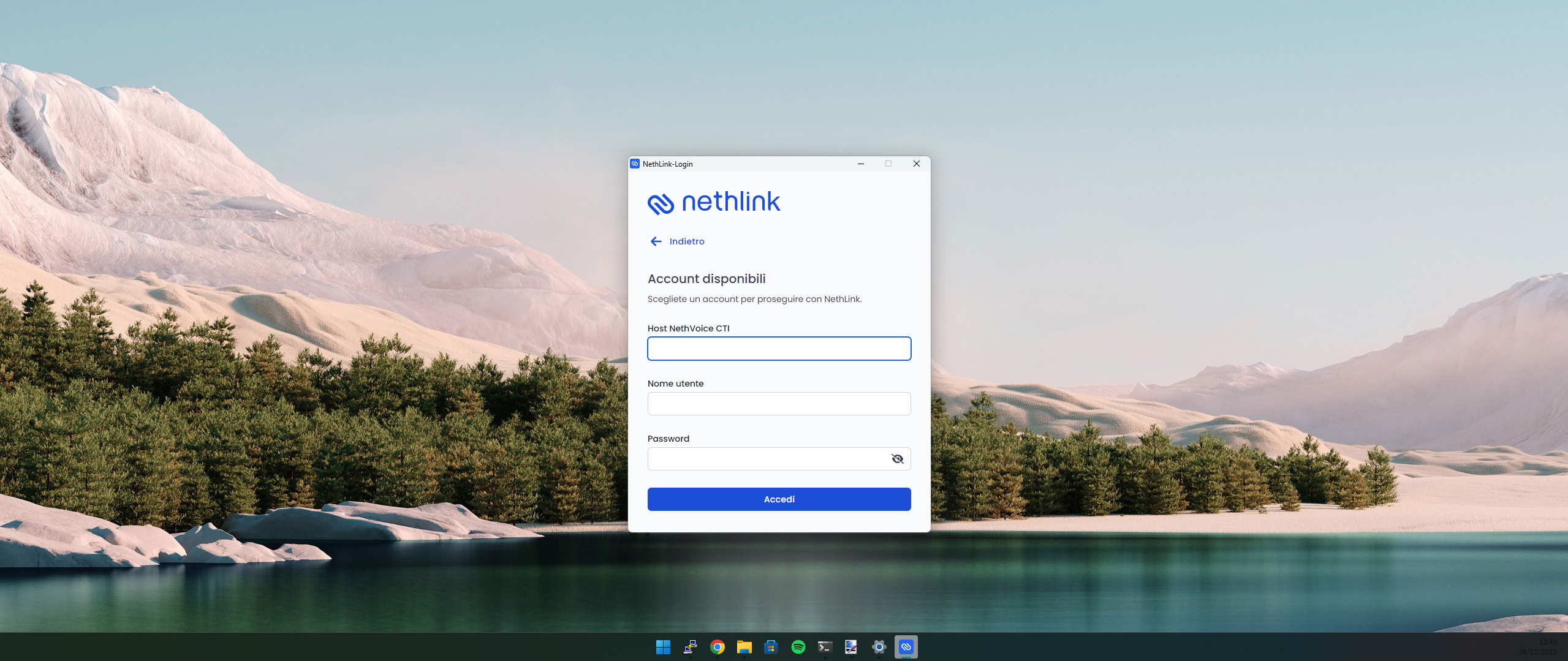
NethLink configuration is simple and requires only:
- Enter the NethVoice CTI domain
- Enter your user credentials
- Enter your password
Once configured, the Phone Island of NethVoice CTI will automatically run in NethLink instead of in the browser.
Audio Configuration
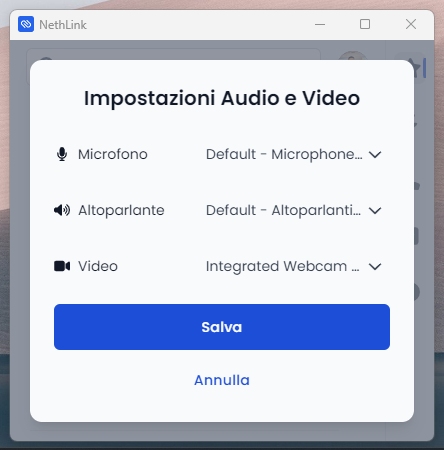
To ensure optimal call quality:
- Select the desired input device (microphone)
- Select the desired output device (speakers/headphones)
- Run the audio test to verify the configuration
- Adjust volume levels as needed
Incoming Calls

- Choose the sound that plays when an incoming call is received.
- Select which audio device will play the ringtone.
Keyboard Shortcut Configuration
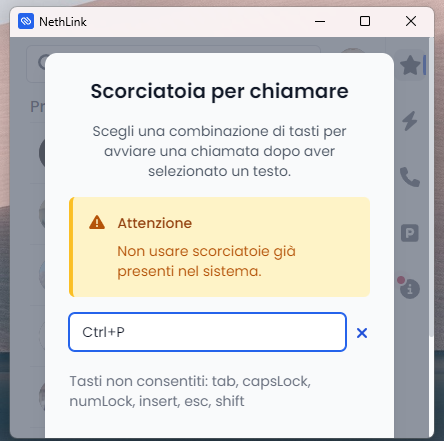
NethLink allows you to customize keyboard shortcuts for common operations:
- Go to Profile → Settings → Shortcuts
- Select the operation to configure (Command bar or Call shortcut)
- Press the desired key combination
- Save the settings
Currently available shortcuts are:
- Call start (Command bar)
- Answer (Command bar)
- Reject (Command bar)
- Hangup (Command bar)
- Mute/Unmute (Command bar)
- Hold/Unhold (Command bar)
- Phonebook search (Command bar)
- Click to call (Call shortcut)
Application Settings
General Settings
- Auto-start with operating system
- Show notifications
- Enable system tray integration
- Theme (light/dark mode)
Notification Settings
When call summary is enabled for your user, NethLink shows a Notifications settings dialog. From there you can enable or disable operating system notifications for ready call summaries.
This preference is saved on your NethVoice account and is shared with the CTI web phone.
Privacy Settings
- Call history retention period
- Automatic logout after inactivity
- Password security settings
Advanced Settings
- Proxy configuration
- SSL certificate verification
- Custom audio codecs
- Debug logging